

Your club, in your pocket.
Movari turns your regular swim, run or ride into a club. Here's a two-minute tour of everything you can do in the app, one screen at a time.

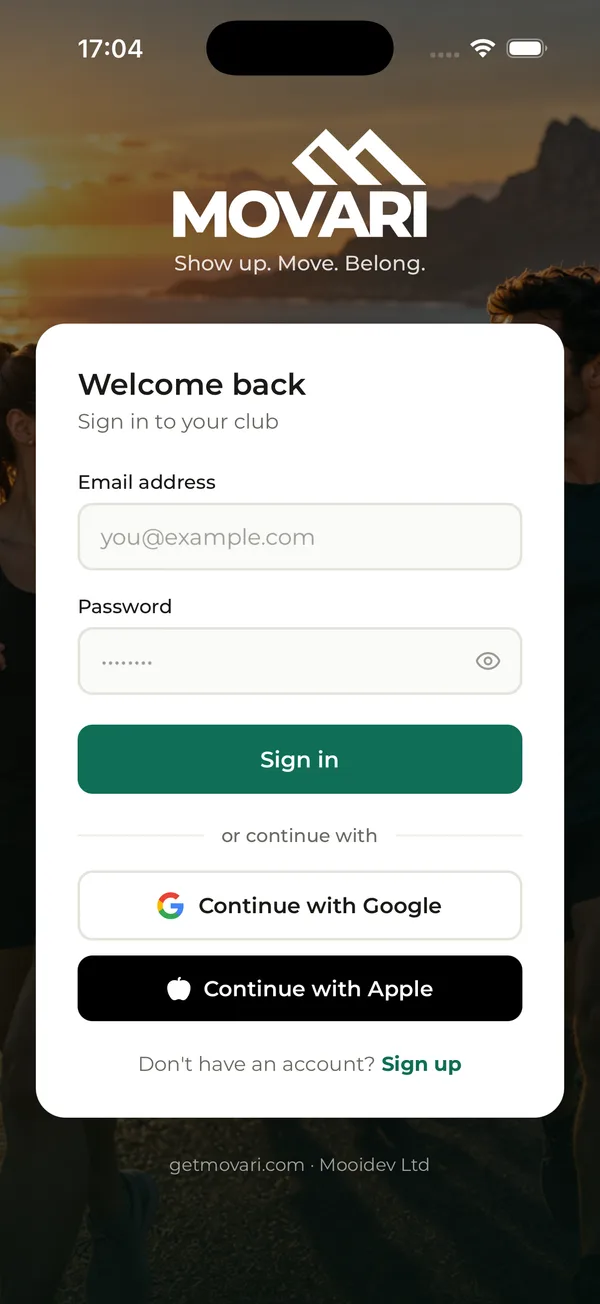
Sign up in under a minute
Download Movari and create your account. You can use your email, or skip the password altogether.
- Sign up with your name, email and a password, or tap Continue with Google.
- On iPhone, you can also use Continue with Apple.
- Got an invite code from your club? Add it when you sign up and your request to join goes straight to them.
- A few quick screens then set up notifications, location and camera access. You can change these later.
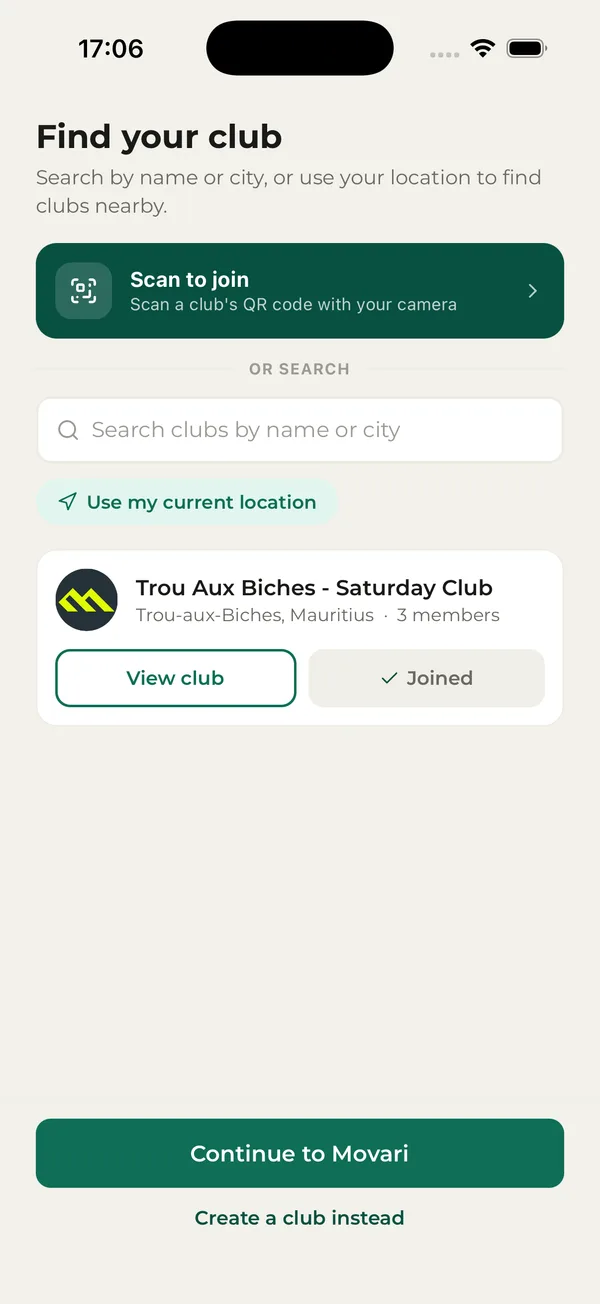
Join the people you already train with
No invite code? Find your club here, or start your own.
- Tap Scan to join and point your camera at your club's QR code.
- Search clubs by name or city, or tap Use my current location to see the closest first.
- Send a request to join. Once the club's admin approves it, the club appears in your app.
- Starting your own? Tap Create a club instead. The free version lets you run one club.
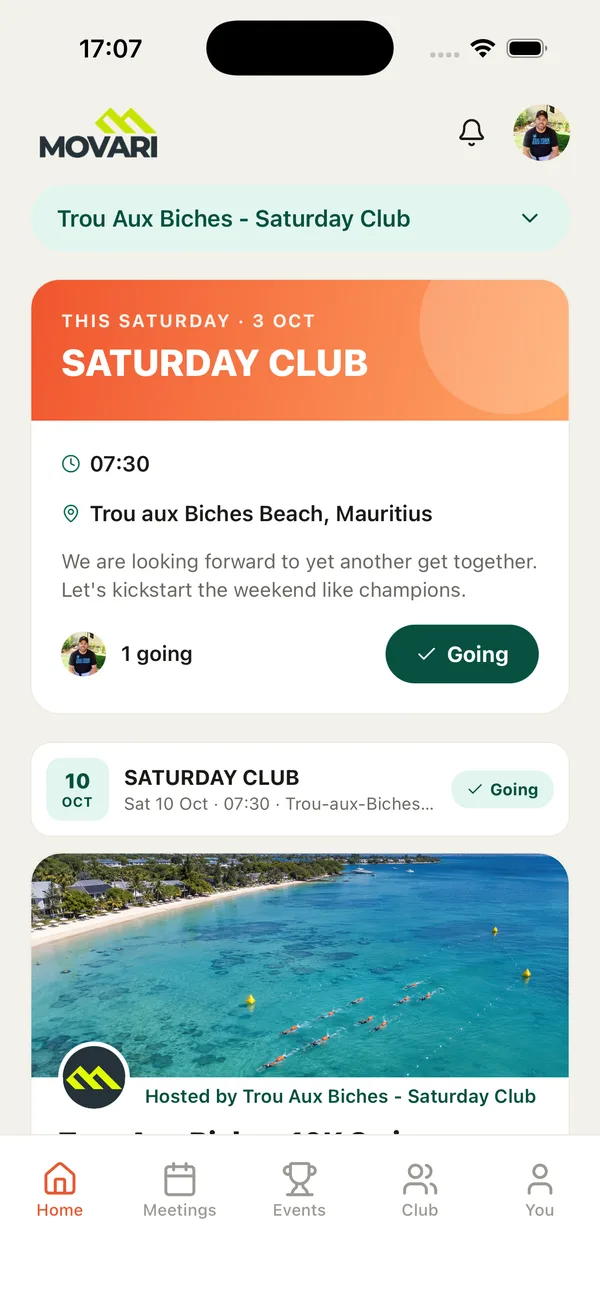
Your next meetup, front and centre
Open the app and your club's next meetup is waiting: when, where, and who's already going.
- Tap Going to RSVP. Your whole club sees you're in.
- In more than one club? Switch between them from the menu at the top.
- Scroll down for the next meetups and your club's latest event.
- The bell opens your notifications, and your photo opens your profile.
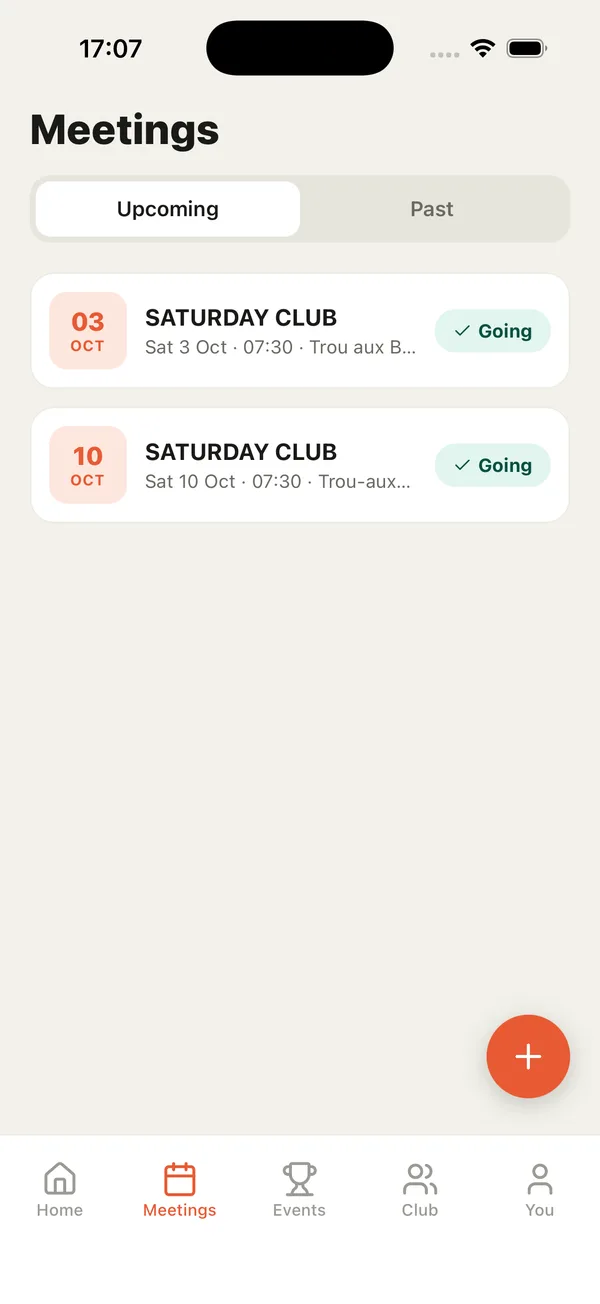
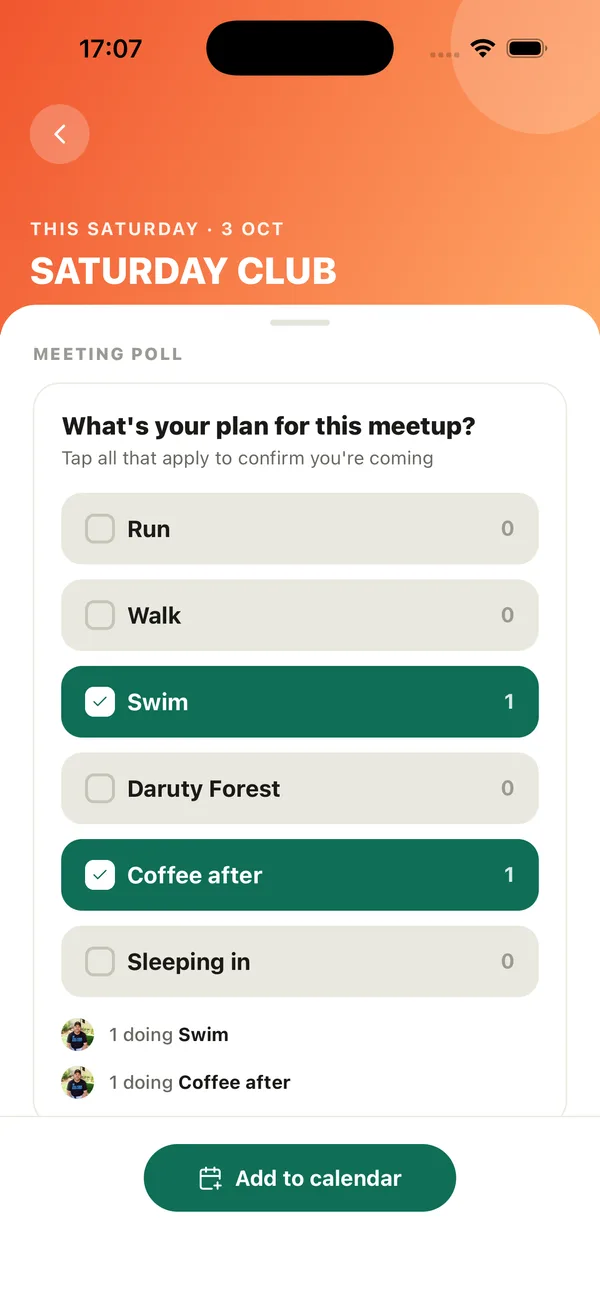
Every session, and how you're joining in
The Meetings tab lists your club's upcoming and past meetups. Tap one to see everything about it.
- Answer the meeting poll: tick everything you're planning, like a swim and coffee after.
- See who's doing what before you arrive.
- Tap Add to calendar so it's in your diary.
- After the meetup, look back through its photo gallery.
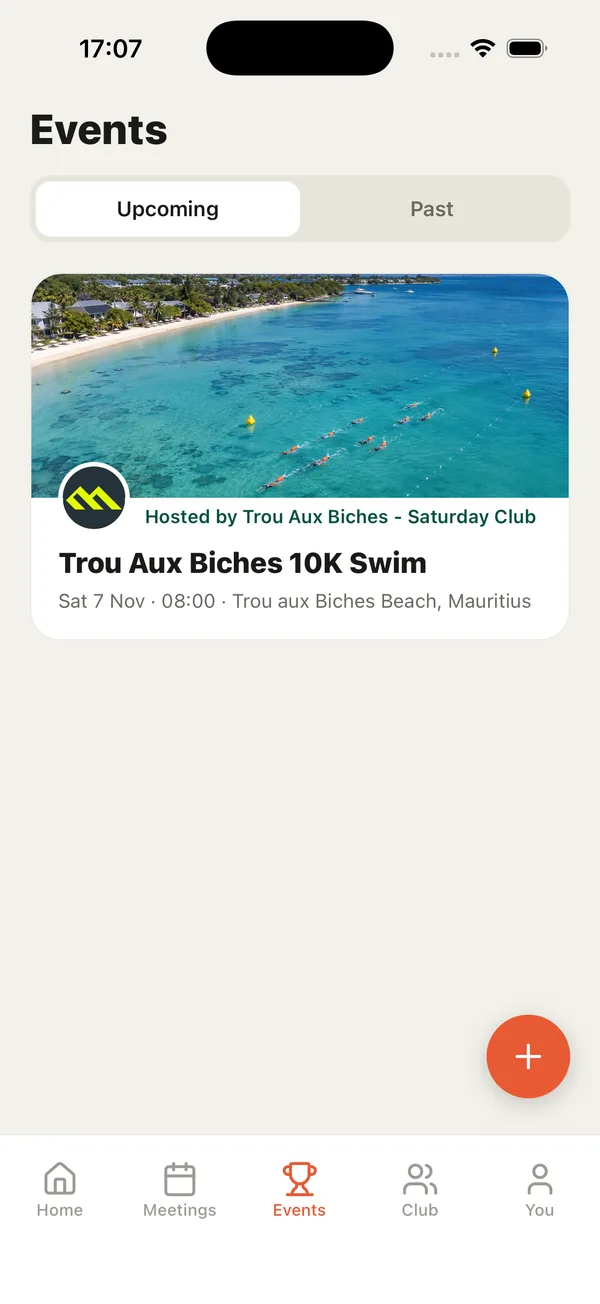
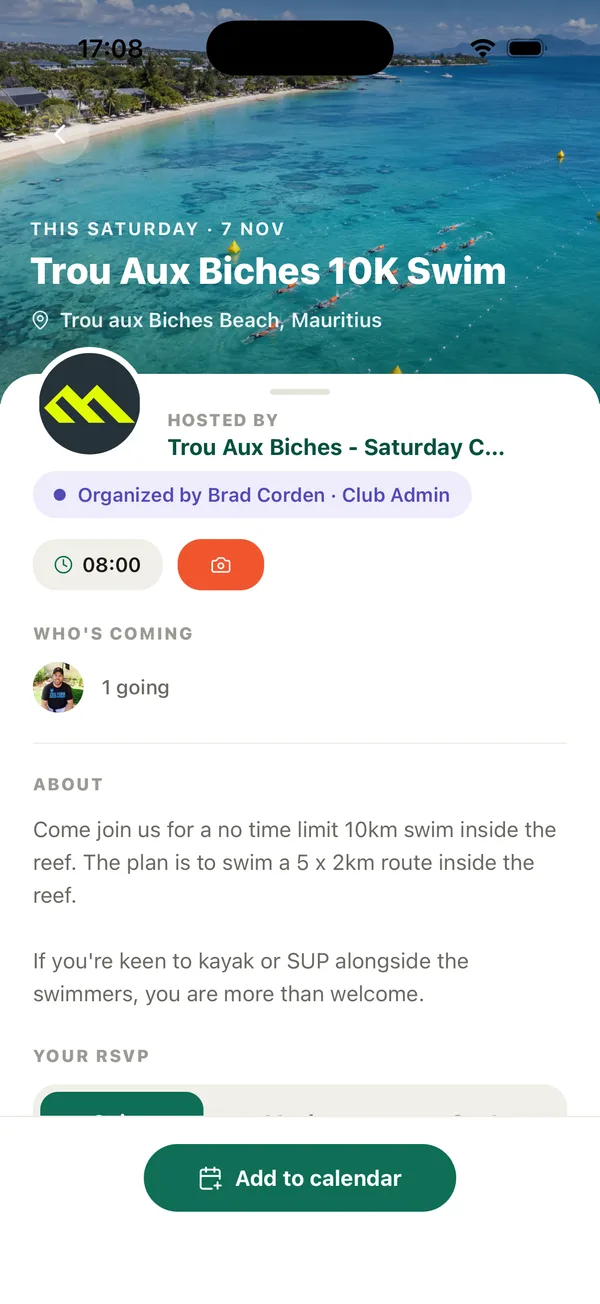
One-off events, from races to socials
The Events tab shows special events from your clubs: fun runs, beach clean-ups, socials and more.
- See who's organising, when and where it is, and who's coming.
- Reply Going, Maybe or Can't so the organiser knows numbers.
- Add it to your calendar in one tap.
- Photos from the day appear in the event's gallery.
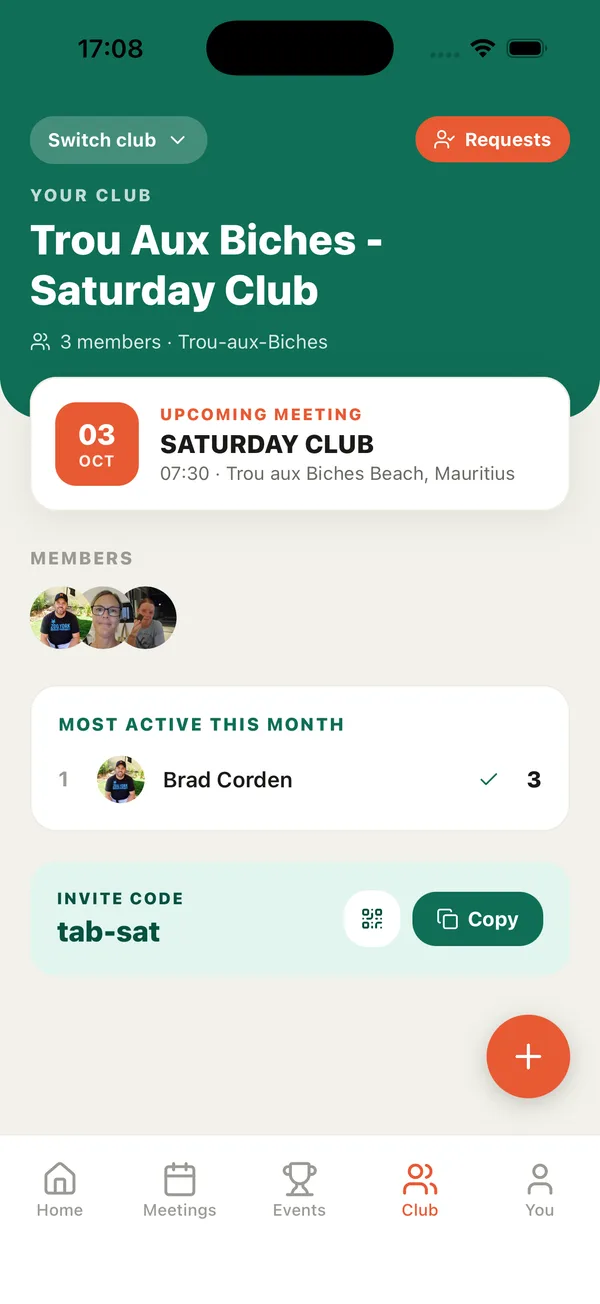
Your club, your people
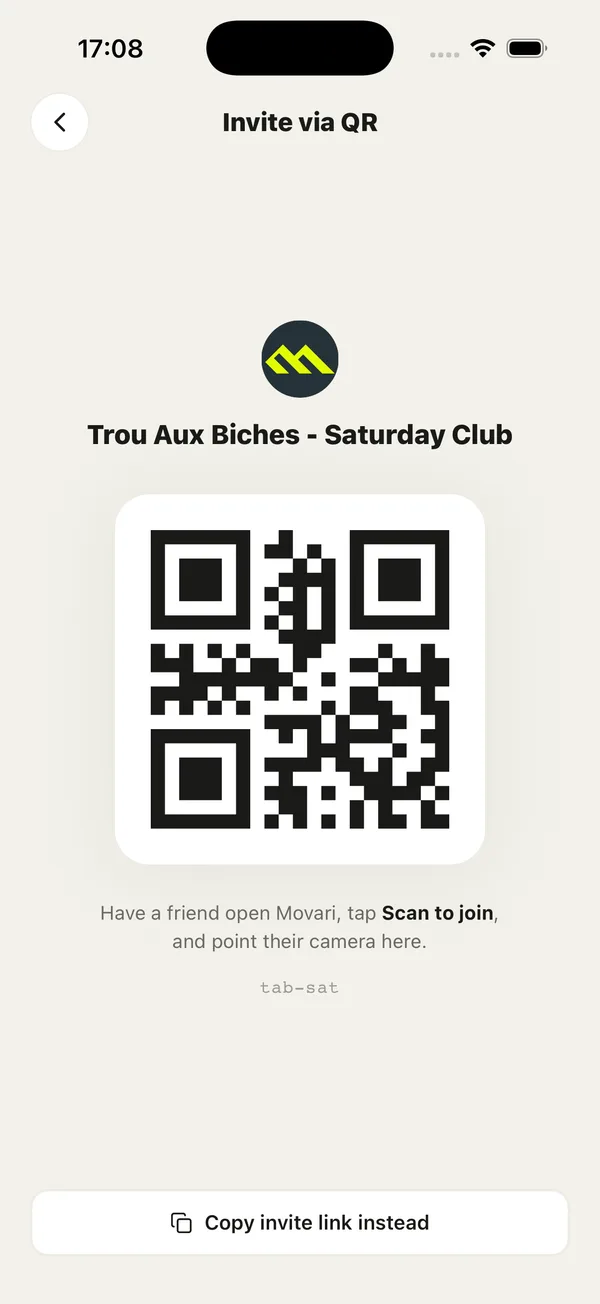
The Club tab is your club's home: the next meetup, the members, and who's been most active.
- Most active this month is friendly motivation within your own club, not a global chart.
- Invite friends by sharing the invite code, or tap the QR icon so they can scan to join.
- In more than one club? Tap Switch club.
- Club admins approve new members from Requests, and create meetups and events with the + button on the Meetings and Events tabs.
A streak worth keeping
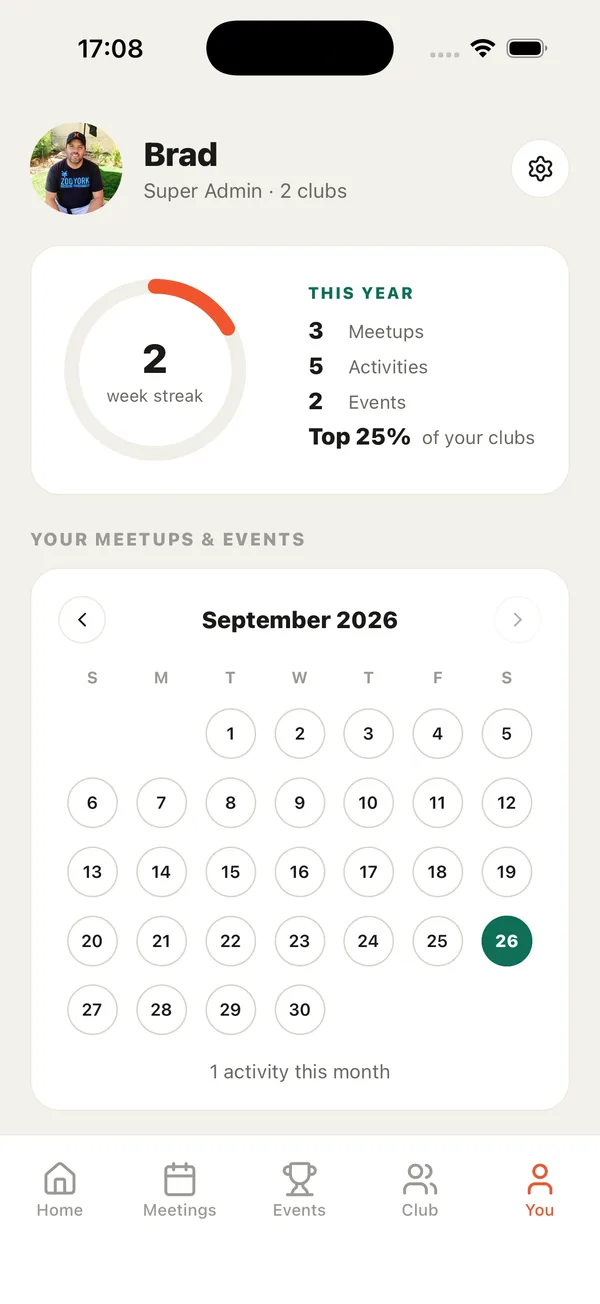
The You tab tracks how often you show up, across every club you're in.
- Your week streak grows every week you show up.
- This year adds up your meetups, activities and events, and how you compare within your clubs.
- The calendar highlights every day you showed up. Tap a day to see what you did.
- Your clubs are listed underneath.
Make it yours
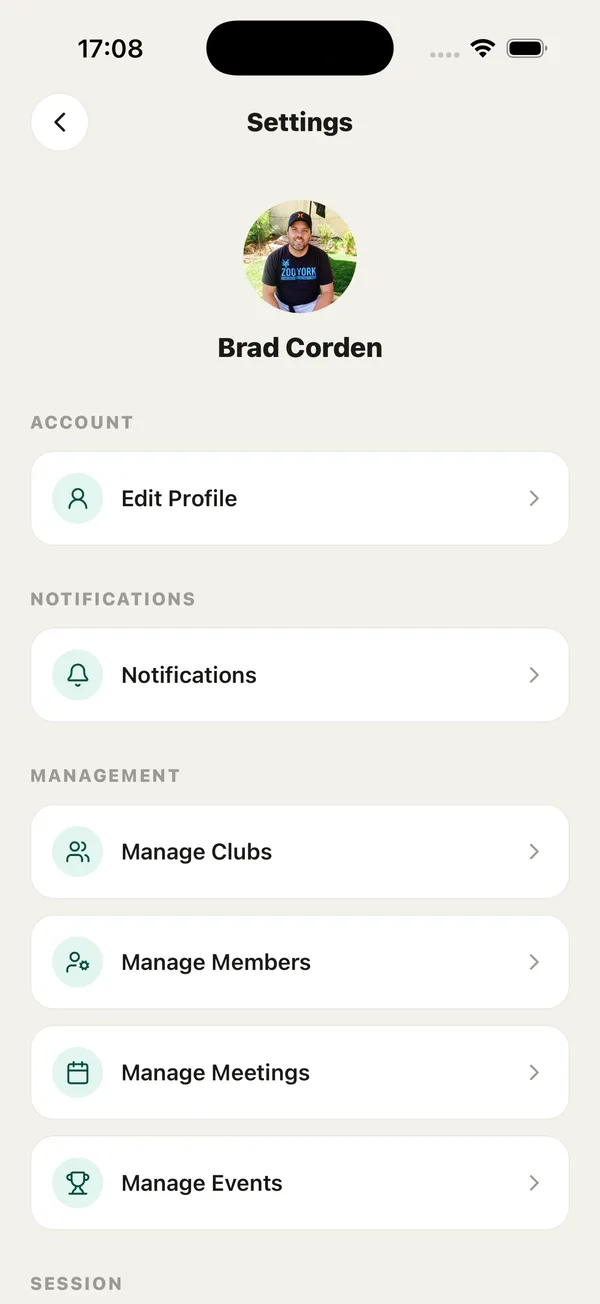
Tap the gear icon on the You tab to open Settings.
- Edit Profile: add a photo, a short bio and your details.
- Notifications: choose alerts for meetings, events, reminders and streak nudges.
- Club admins can manage their clubs, members, meetings and events from here.
- You'll also find Sign Out, the Terms and Privacy Policy, and Delete Account.